description: Learn how to deploy aimicromind on Zeabur
Zeabur
{% hint style="warning" %} Please note that the following template made by Zeabur is outdated (from 2024-01-24). {% endhint %}
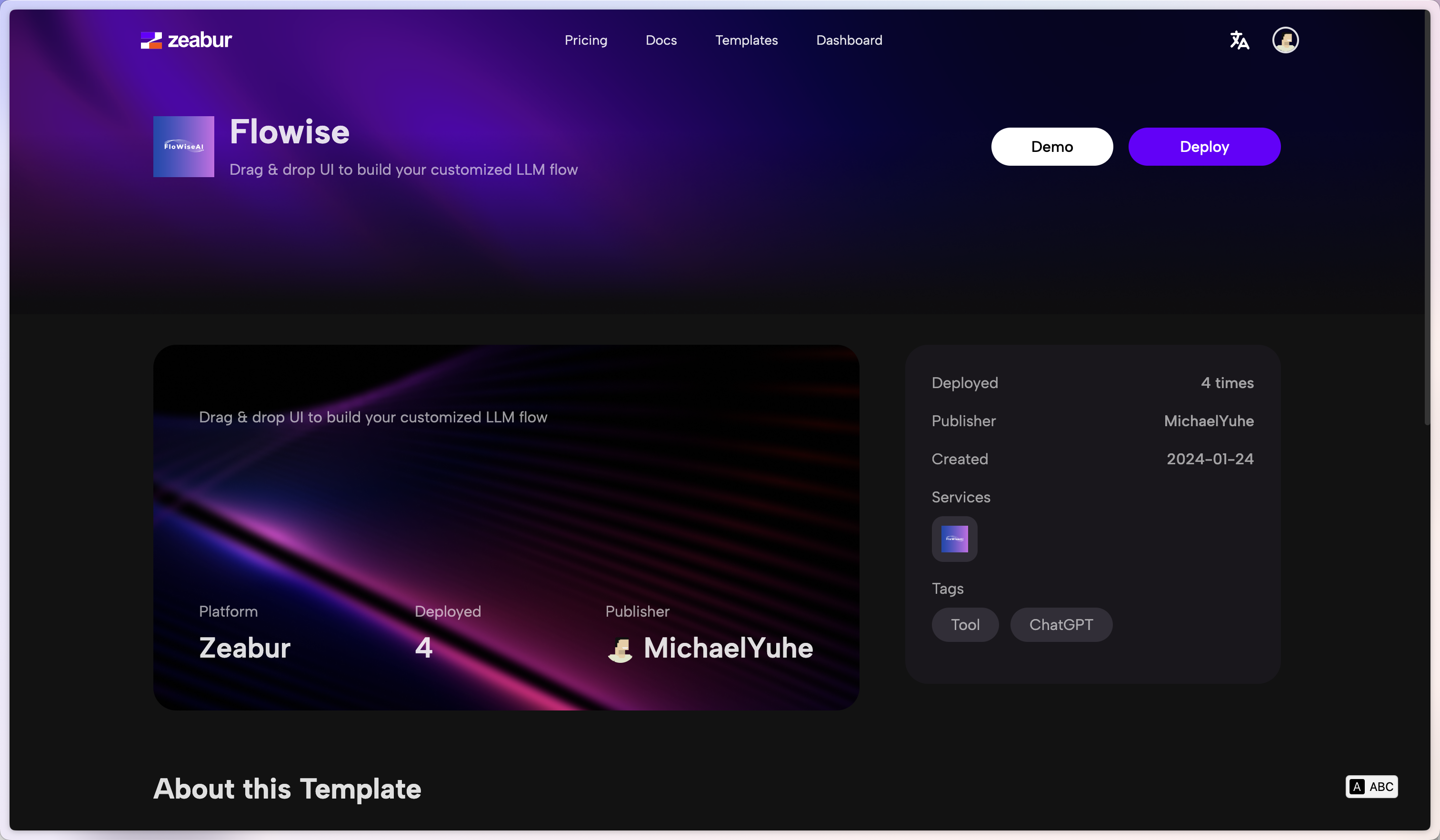
- Click the following prebuilt template or the button below.

- Click Deploy
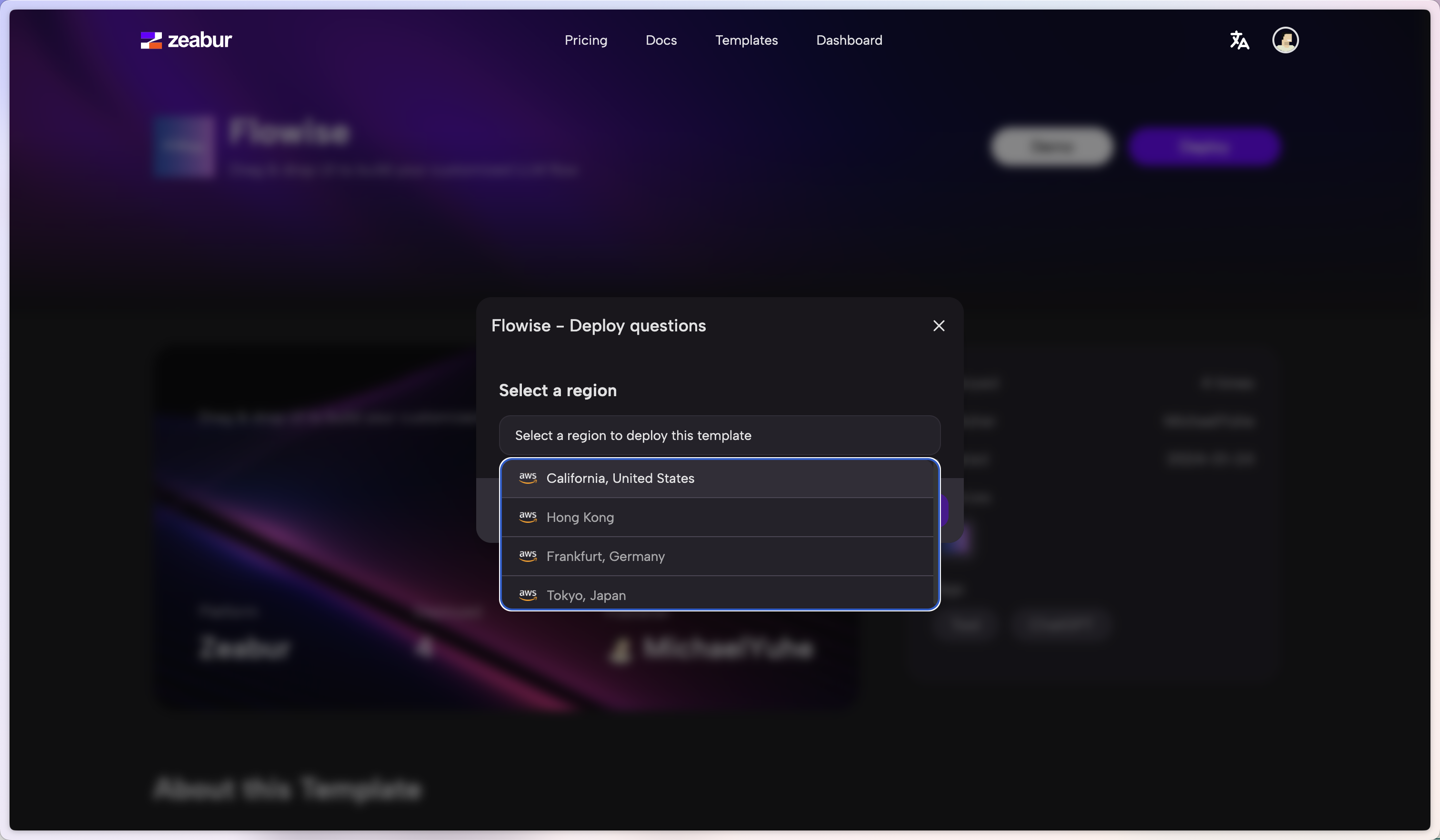
- Select your favorite region and continue
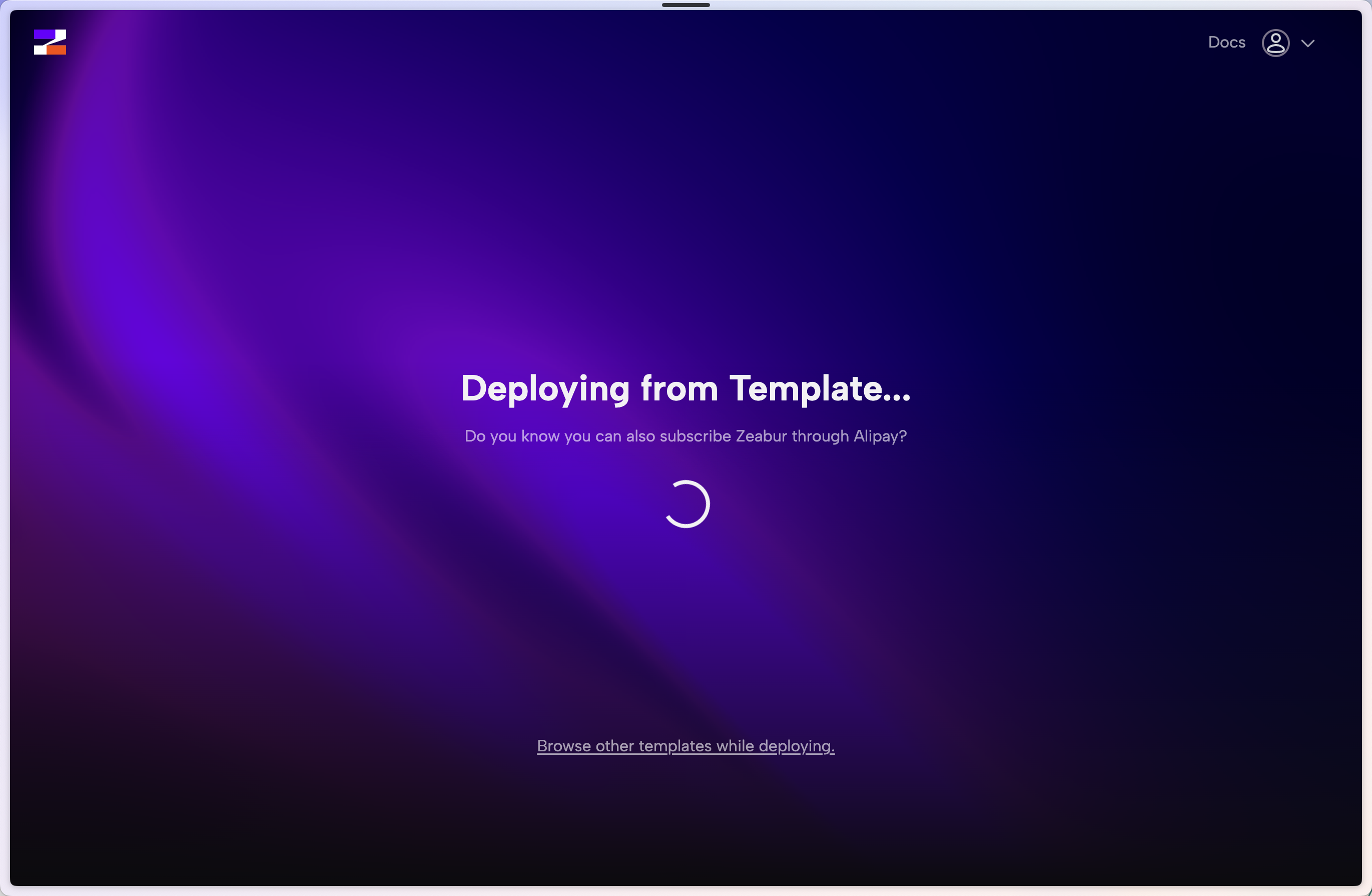
- You will be redirected to Zeabur's dashboard and you will see the deployment process
- To add authorization, navigate to Variables tab and add:
- AIMICROMIND_USERNAME
- AIMICROMIND_PASSWORD
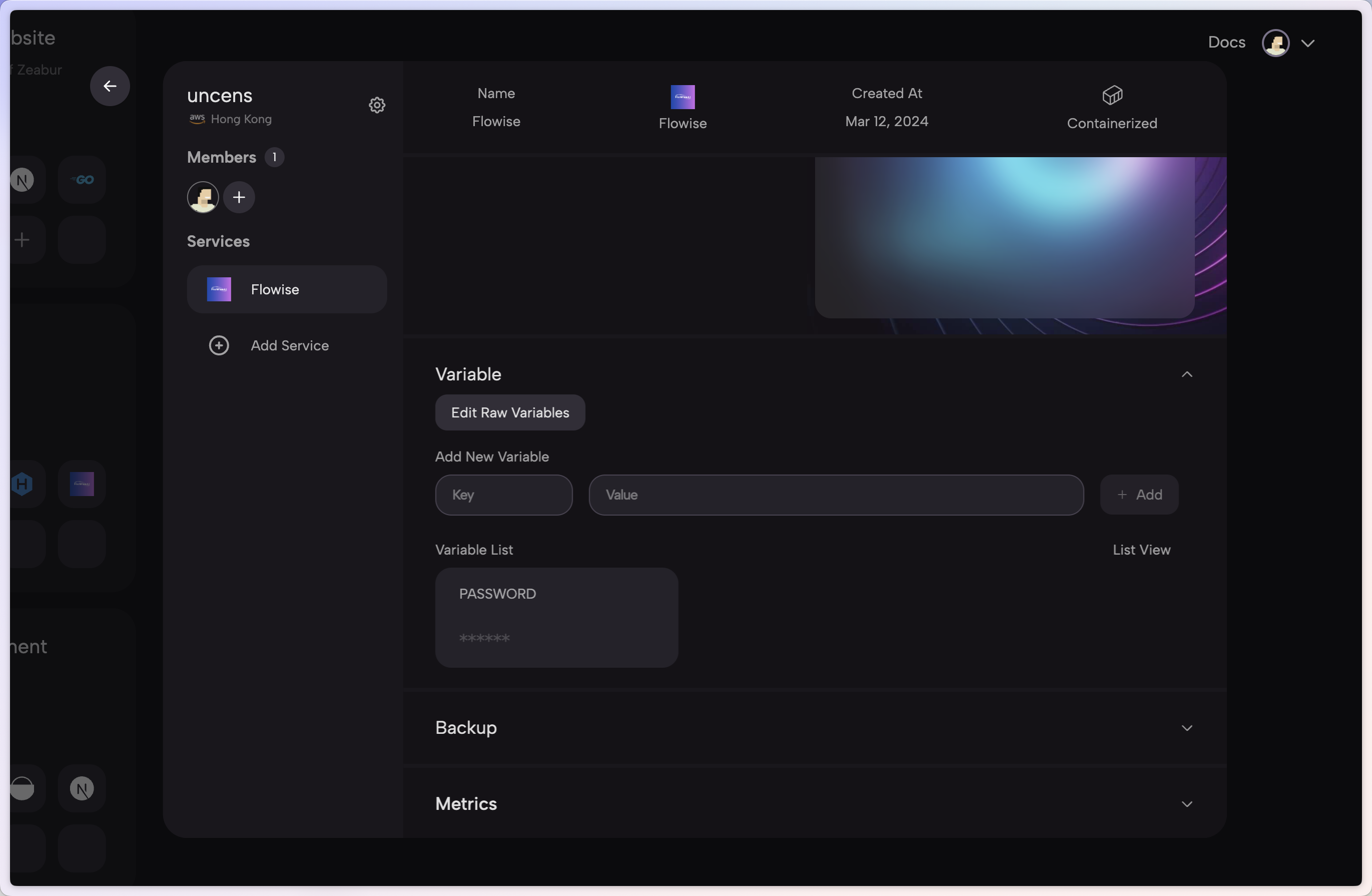
- There are list of env variables you can configure. Refer to environment-variables.md
That's it! You now have a deployed aimicromind on Zeabur 🎉🎉
Persistent Volume
Zeabur will automatically create a persistent volume for you so you don't have to worry about it.